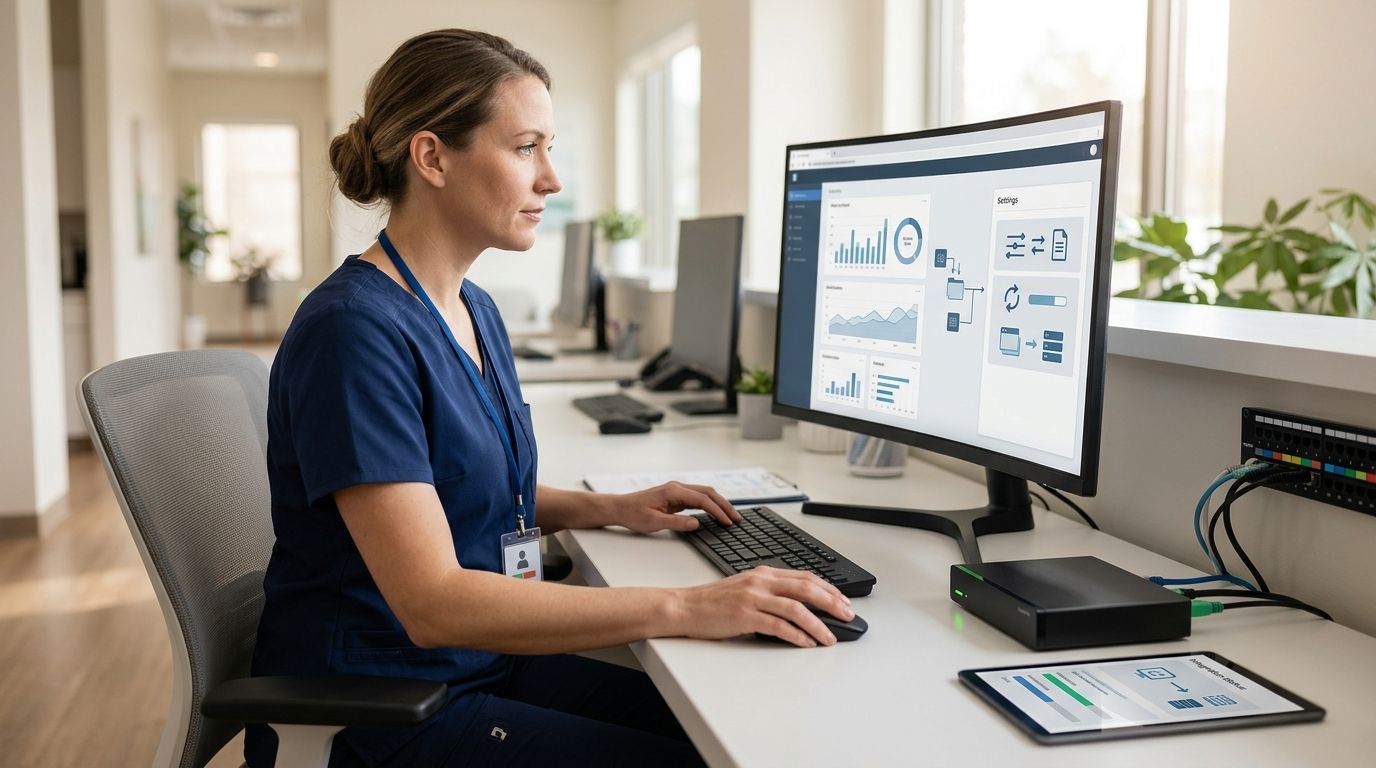
Instead of copying meeting notes into a practice management system after every client call, connect Alcova Operator to the client-record workflow so advisers can prepare notes and check what reaches the CRM. The critical setup decision is not where to click; it is which client record receives the note and who approves it before it becomes part of the file.
- To connect Alcova Operator to a practice management system, confirm the supported integration, match client records and test a meeting-note sync.
- Alcova Operator is best for advice firms that need meeting notes tied to their CRM and compliance records.
- Keep adviser review in the workflow; a successful sync does not prove that a file note is complete.
Why this matters
A meeting note has limited value if the adviser cannot find it in the right client file. A note attached to the wrong person creates a different problem: the record exists, but the context is wrong. Treat client matching and review as part of the connection, not as cleanup after the first live meeting.
Alcova provides an AI platform for advice-firm meeting transcription, notes, CRM sync, document generation and compliance records. That makes the practice management record the place to check the outcome. In 2026, the practical question for a firm is whether an adviser can trace a note from the meeting to the intended client file without relying on a copy saved elsewhere.
Alcova Operator is best for financial advice firms connecting meeting notes to an existing CRM workflow, with an adviser checking the record before relying on it. It does not replace a firm's decision about what belongs in a compliant file note.
| Workflow | Best for | Advantage | Limitation |
|---|---|---|---|
| Manual note entry | A firm that has not confirmed a supported connection | The adviser chooses the destination record directly | Re-entering the note creates another handoff and another chance to select the wrong client |
| Alcova Operator with CRM sync | A firm with a confirmed connection and a defined review process | Meeting notes can move into the client-record workflow | The firm still needs to verify client matching, permissions and note quality |
The comparison is about workflow, not a claim that every practice management system offers the same connection. Confirm the destination system and the firm's required record fields before changing the live process.
Before you start
- Identify the destination system and an authorised owner. Use the exact practice management or CRM product your firm uses, plus someone who can confirm its integration options and the access granted to the connection. Do not assume an adviser login has permission to configure a firm-wide sync.
- Prepare 1 test client record and 1 test meeting. The record must be safe to use for a controlled check. Decide which adviser should own it and where a meeting note should appear before starting the test.
- Set the review rule first. Decide who checks the client match, wording and required compliance details before the record is treated as complete. The gotcha is an existing contact with a similar name: a note that transfers successfully can still land in the wrong file.
Do not use a live client conversation as the first connection test. If the firm cannot confirm that Alcova Operator supports its destination system and intended sync route, stop at that check rather than attempting to assemble an unverified connection from generic instructions.
Confirm the connection route
- Name the system that owns the client record. Write down whether the adviser works from a CRM, a practice management system or a combination of both. If both hold client information, nominate the record advisers actually use for file notes. A connection is only useful when its destination matches the firm's working file.
- Check the available Alcova Operator connection for that system. Ask the person responsible for your Alcova setup and the destination system to confirm that the integration supports the intended note-sync workflow. Confirm whether it sends new notes, updates existing records or requires an intermediate review. These are checks to resolve, not features to assume.
- Agree on the authorised account. Use an account approved for the client records in scope. Check who can read meeting content, who can change the destination record and who can disconnect the integration. Do not widen access merely to make a test pass.
Expected result: The firm can name the supported connection route, the destination record and the person accountable for access. If any of those answers is missing, the setup is not ready for a client meeting.
Map the meeting to the client record
- Choose the test meeting. Use the prepared meeting and confirm the intended client record with the adviser. If a meeting includes more than one client, decide which record should hold the note before running the sync.
- Check the identifying information. Compare the meeting details with the destination system's client records. Where names are similar, use the firm's existing client identifier or another approved distinguishing detail. Do not treat a matching name alone as proof of a matching file.
- Define the note destination. Decide which record type or file-note location the firm expects to use. If the destination offers more than one place to store meeting material, have the compliance owner confirm the one that belongs in the advice record.
- Record the exception path. Decide what the adviser will do if the intended client cannot be matched. Holding the note for review is better than placing it in a plausible but unverified file.
Expected result: Someone outside the setup process can identify the correct destination for the test note and explain what happens when the client match is uncertain. That is the standard to meet before asking a sync to repeat the decision.
The mapping is the part most likely to be overlooked in a 2026 rollout. A firm can connect accounts yet still leave advisers resolving client identities after each call. Fix the record rule before treating the connection as finished.
Configure note transfer and review
- Choose the material that should transfer. Separate a meeting transcript, an adviser-facing summary and a file note in the firm's requirements. They serve different purposes. Confirm what the supported connection can send rather than assuming that every output moves to the practice management system.
- Set the review point. Decide whether the adviser checks the note before transfer or reviews it in the destination record, according to the connection available to the firm. The person responsible must know which version is the working draft and which is the record the firm relies on.
- Check the required content. Compare the proposed note with the firm's file-noting requirements. Look for client identification, the subject of the meeting, relevant decisions and follow-up actions where they apply. A transcript alone is not a substitute for deciding what the client file must say.
- Confirm the authorised audience. Review who can see the meeting material in both systems. Include the compliance team where its role requires access, but do not assume that access in one system carries across to the other.
Expected result: The adviser knows what will transfer, where it will appear and when it is ready to rely on. The compliance owner can identify the review point without reconstructing the workflow from separate messages.
Test the client-record workflow
- Run the prepared test meeting through the confirmed route. Keep the scope to 1 meeting and 1 intended client record. That makes it possible to spot a mismatch before other records are involved.
- Inspect the destination, not just the sending system. Open the client file in the practice management system and locate the resulting note. Check the client, adviser, meeting context and note content against what the firm expected. A completion message in the source system does not establish that the destination is right.
- Check the review state. Ask the adviser to make the agreed content check. If the note needs correction, follow the firm's approved correction process and confirm what remains in the client record. Do not assume that changing a source note updates a copy already stored elsewhere.
- Repeat with an exception. Use a test case where the client match is deliberately unclear. Confirm that the adviser knows how to hold and resolve the note rather than selecting a record by guesswork.
Expected result: The correct client file contains the intended material, the adviser can find it, and an unclear match has a defined path to review. If the test fails any of those checks, keep manual review in place while the firm resolves the issue.
A 2026 connection test is complete only when the destination record has been checked. The question is not whether a note left Alcova Operator; it is whether the right note reached the right file under the firm's review rule.
When an existing client record changes
New meeting notes and changes to an existing record are adjacent workflows, but they are not the same workflow. Do not assume a changed client record updates an earlier note, or that editing a note in one system changes its copy in the other. Confirm the supported behaviour for your connection before making either action part of the firm's process.
- Identify the change. Is the adviser correcting the meeting note, changing client details or adding a later follow-up? Each has a different recordkeeping purpose.
- Find the authoritative record. Decide which system holds the version the firm treats as current. If the connection does not support updating an existing note, use the firm's approved correction or addendum process instead of trying to force a second transfer over the first.
- Check both records after the change. Compare the source and destination. If they differ, tell the adviser which version to use and record the correction in the place the firm's policy requires.
Expected result: The adviser can explain whether an update transfers, creates a separate record or stays in its original system. In 2026, that answer should come from the confirmed connection behaviour, not from an assumption about how sync usually works.
Troubleshooting
- The note is absent from the intended client file. Recheck the supported connection route, the authorised account and the destination selected during mapping. Then look for a held or unmatched note in the workflow the firm has configured. Do not recreate the meeting record until you know whether a copy already exists.
- The note appears under the wrong client. Stop relying on that record, follow the firm's correction process and revisit the matching rule. Test with similar client names before resuming routine use. This is a record-identity issue, not a wording issue.
- The destination contains the wrong kind of material. Check whether the connection sent a transcript, a summary or the intended file note. Confirm what the integration supports and where the adviser review belongs. Do not label a transcript as an approved note merely because it is stored in the client file.
- The adviser cannot find the transferred note. Confirm the agreed record type and location with someone who can access the destination system. If the note is visible only to another authorised role, resolve the permission question before treating the transfer as usable.
- An edit does not appear in both systems. Establish which version is authoritative and whether the connection supports updates. If it does not, apply the firm's correction process; a second copy without context makes the file harder to interpret.
These checks distinguish a failed transfer from a failed recordkeeping workflow. The first asks whether material moved. The second asks whether an adviser and compliance reviewer can identify, assess and retrieve the correct client record.
Customise your workflow
Once the test passes, extend the process by meeting type rather than turning it on everywhere at once. Decide which meetings need a file note, who reviews it and what happens when a client match fails. Keep the same destination rule across advisers who work on the same client file; otherwise, a technically successful sync can scatter meeting history.
For a 2026 rollout, write a short operating rule the team can follow during a busy day: identify the client record, review the note, check the destination and resolve exceptions before relying on the file. Assign responsibility for changes to the connection as well. When an account loses access or the firm changes its practice management system, the workflow needs another destination test.
The next expansion is to check what happens after the meeting note arrives. If the firm uses meeting content to prepare documents or maintain compliance records, define a separate review and approval rule for each output. A connected note is an input to those processes, not automatic approval of everything created from it.
FAQ
How do I connect Alcova Operator to a practice management system?
Confirm that Alcova Operator supports your destination system, agree on access and client matching, then test a meeting note in the intended client file. Check the destination record and adviser review process before using the connection for live meetings.
Can Alcova Operator send meeting notes to any CRM?
Do not assume every CRM is supported. Confirm the specific connection and its note-transfer behaviour with the people responsible for your Alcova and CRM setup.
Does a successful note sync mean the file note is compliant?
No. A successful sync confirms transfer, not that the content meets the firm's file-noting requirements. An authorised reviewer still needs to check the note and its client record.
What should I do if a meeting note goes to the wrong client?
Stop relying on the misplaced note and follow the firm's record-correction process. Review the client-matching rule before resuming the workflow.
Will an edited note update in both systems?
That depends on the confirmed connection behaviour. Check whether updates are supported and identify which record is authoritative before editing an existing note.
Who should review the connection before advisers use it?
The people responsible for CRM access, adviser workflow and compliance should agree on the destination, permissions and review rule. Each needs to know how an unmatched note is handled.
What is the safest first test?
Use 1 prepared test meeting and 1 intended client record, then inspect the resulting note in the destination system. Repeat with an unclear client match to check the exception path.
One last thing
Test a similar-name client match before declaring the setup complete. It is a more useful check than another straightforward transfer: the adviser must be able to stop a note from entering the wrong file, not merely confirm that notes can move.